Feedback thread
-
i have started this track that im making into a track, but i dont know how to detail it, does ts look alr to u guys?
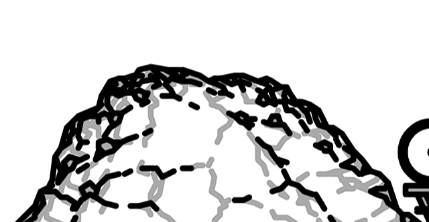
-
can someone explain what the 3 types of snaps do
-
can someone explain what the 3 types of snaps do
@nathanpertman1 said in Feedback thread:
can someone explain what the 3 types of snaps do
so when you press the snap hotkey (alt key is the default) or press the magnet icon:
- line snap will draw a line from the nearest line endpoint to your cursor
- point snap will snap your cursor to the nearest line endpoint (similar to how grid snaps your cursor)
- click snap will draw a line from the last spot you clicked on the canvas to your cursor
and when you draw a line, you are also able to snap the second point on the line to the nearest line endpoint or powerup. the number on the left is how close you need to be to another line endpoint to snap to it
-
@nathanpertman1 said in Feedback thread:
can someone explain what the 3 types of snaps do
so when you press the snap hotkey (alt key is the default) or press the magnet icon:
- line snap will draw a line from the nearest line endpoint to your cursor
- point snap will snap your cursor to the nearest line endpoint (similar to how grid snaps your cursor)
- click snap will draw a line from the last spot you clicked on the canvas to your cursor
and when you draw a line, you are also able to snap the second point on the line to the nearest line endpoint or powerup. the number on the left is how close you need to be to another line endpoint to snap to it
-
@Ness ok ty for explaining, what's the difference between line and point snap?
the point snap option works just like grid works. with grid, your cursor will automatically move to the nearest point on the grid. with point snap, your cursor will automatically move to the nearest endpoint on a line in your track. it does not draw a line, it just moves your cursor. maybe a better name for it would be cursor snap, as that describes it well
the line snap draws a line. the line starts from the nearest endpoint on a line in your track and ends at your cursor. clicking with your mouse will place that line
-
this is a thread where you can ask for feedback on anything you're working on and people can, you know, give feedback, if they like.
i might introduce an actual system if people just keep asking and nobody is giving, but we don't have to do that rn. so with that being said, what do we think of this dirt pile?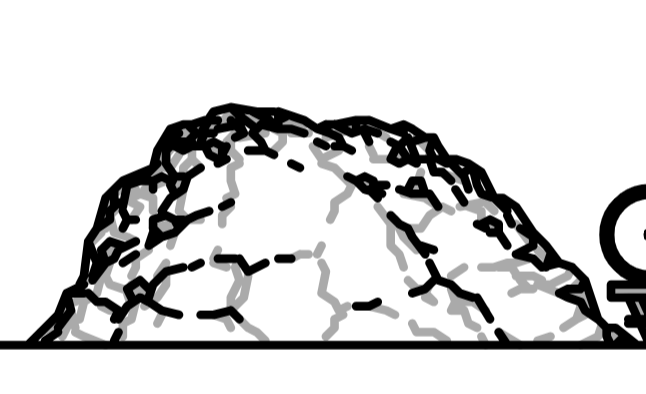
@loge_0 looks a bit more rocky than dirty to me, but i like it!
-
You want that guy looking effective on most zooms, at this zoom it looks like a rock pile.
-
@HtH maybe just define the scenery parts a little bit more but otherwise it looks great!
@SomeRandomNoob why thathankyou
-
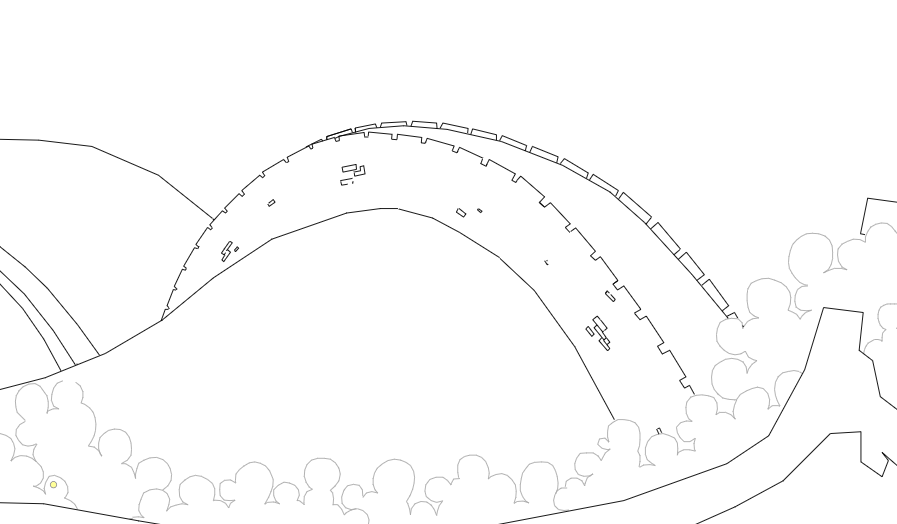
i hope the image works. i just wanted to see how this wall looks to yall -
i hope the image works. i just wanted to see how this wall looks to yall@Sir__Human that wall looks pretty cool, is it supposed to be coming over rolling hills?
One thing I'd adjust is the line under the battlements on the backside, and maybe making the lines smoother/follow the curve better.
-
@Sir__Human that wall looks pretty cool, is it supposed to be coming over rolling hills?
One thing I'd adjust is the line under the battlements on the backside, and maybe making the lines smoother/follow the curve better.
@pawflix yeah it is, and thanks for the feed back
-
i hope the image works. i just wanted to see how this wall looks to yall@Sir__Human looks like a great wall in china
-
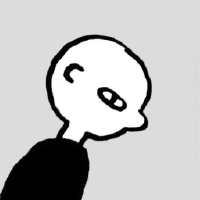
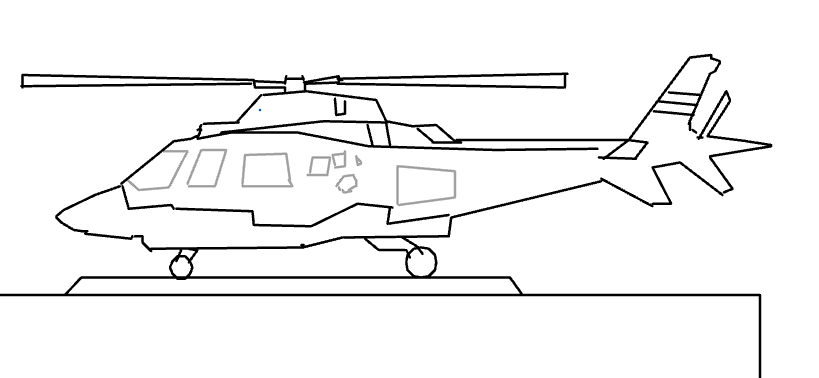
im usually not good at humanoid or living things in general but i like the way this turned out
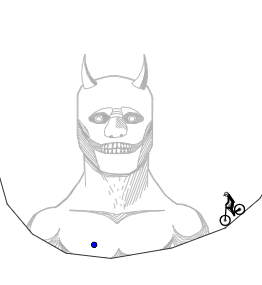


 feedback THIS