Bug Reports

-
I thought I'd make a thread for reporting bugs.
-
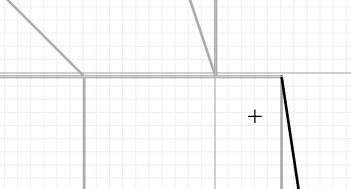
I have noticed that the grid often doesn't line up properly, both with regular and isometric grids. Zooming in and out a lot seems to cause this issue. The graph dances around when zooming in and out, more than the frhd editor does.
(not a great example, but the horizontal line was made on that graph line despite appearing below it in this instance)
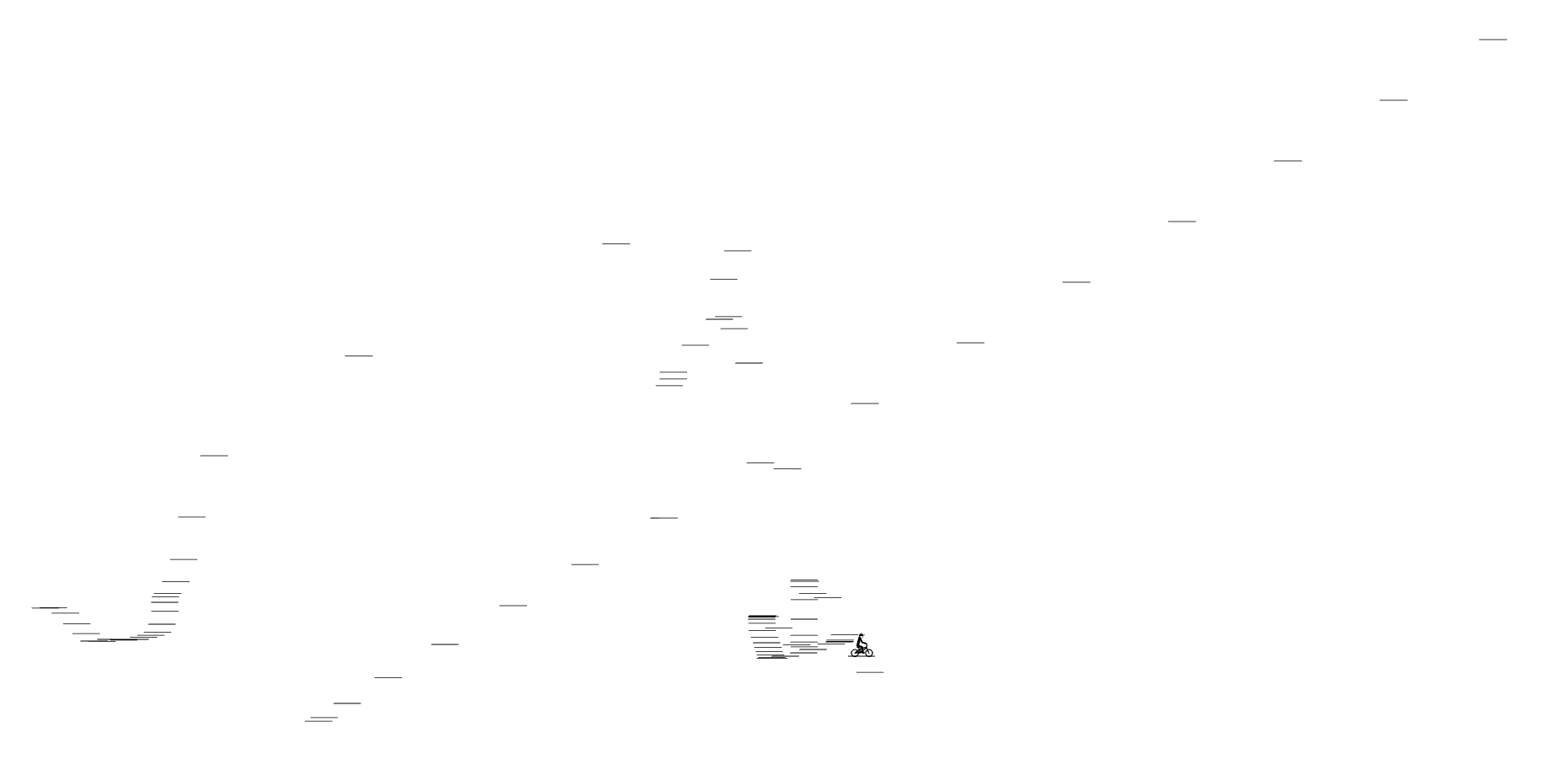
These lines also have been appearing

I also haven't been able to invert line types using "i"
-
the appearing lines that you’re showing, where are they? just randomly on the track canvas?
and i’ll look into the grid misalignment, happening with grid size 10? and do you by chance use a mousewheel or trackpad to scroll, or the buttons? does using the buttons (or clicking the % to reset to 100%) fix it?
-
the appearing lines that you’re showing, where are they? just randomly on the track canvas?
and i’ll look into the grid misalignment, happening with grid size 10? and do you by chance use a mousewheel or trackpad to scroll, or the buttons? does using the buttons (or clicking the % to reset to 100%) fix it?
-
Zooming in to 800% seems to align everything consistently, but zooming back out can cause things to misalign again.
-
I've found some bugs since the latest (freaking awesome) update:
-
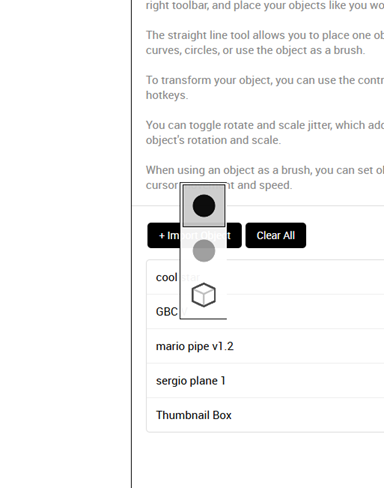
Line chooser appears within sidebar.
-
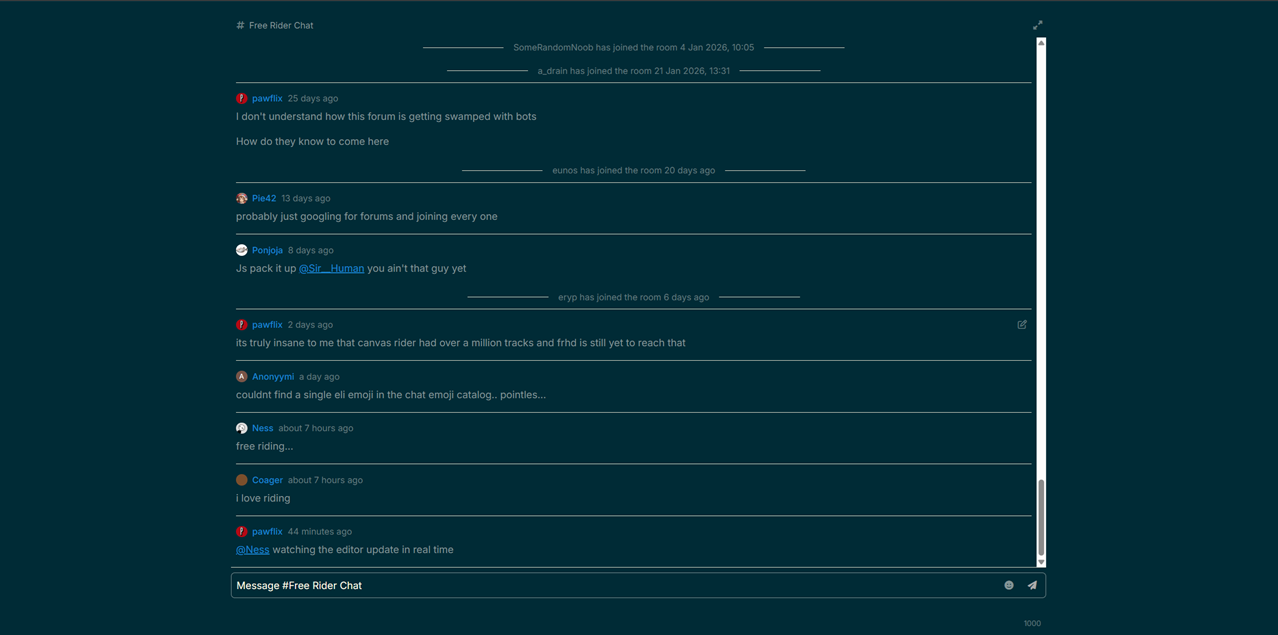
Clicking on forums chat removes nav bars, pressing fullscreen button in top right fixes this.
-
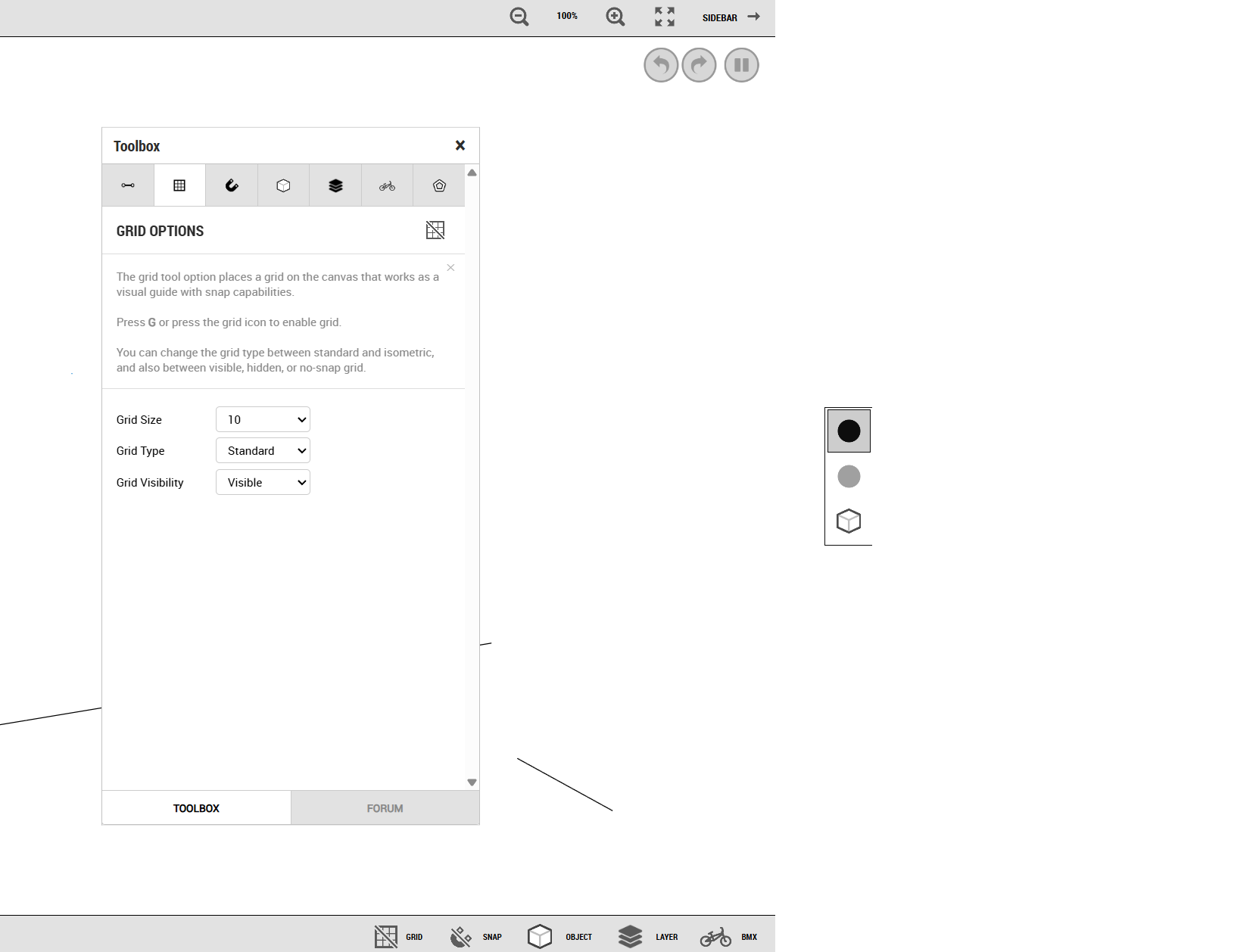
Opening sidebar while toolbox mini-window is open brings up a blank area.
-
Mod Options menu doesn't save preferences, though other menus do.
-
Switching to Play Mode, your cursor will still draw lines if you had a line tool selected.
-
-
- Also, the option to move layers up or down is gone
@Ness said in Bug Reports:
the appearing lines that you’re showing, where are they? just randomly on the track canvas?
I actually think this issue has to do with my computer's settings: I have system scale set to 125% instead of 100%, which caused issues with FRHD in the past. Polygon helped me with this and found that if I zoom out on the page to 80% in the browser, the issues seem to go away. That seems to work for fr.app at the moment, so that may be what the issue was.
-
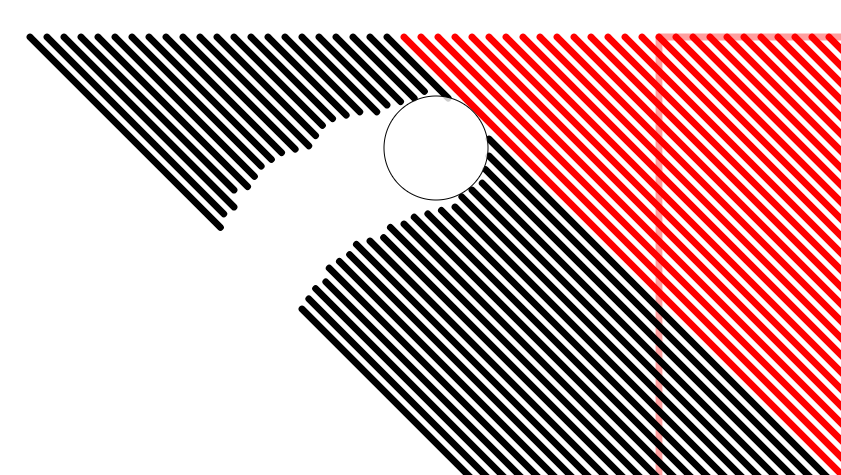
- using line trim on other layers' lines brings them to current layer
-
Tplacella’s signature breaks the formatting on mobile