@Labib-Zaydandy
https://forum.freerider.app/topic/3/track-editor-1.1
There are more info threads in the “About Free Rider” category, look for threads started by Ness
 P
P
pawflix
@pawflix
Posts
-
WIP Thread -
creativity MONTH -
Bug Reports -
creativity MONTH -
What Are You Listening To?3 hours of rainfall
(idk how to embed the video) -
creativity MONTH -
Grok Rider HD -
What Are You Listening To?@Innominate https://topsters.org/ or search topsters alternatives
-
WIP Thread -
Bug Reports -
Bug Reports- Also, the option to move layers up or down is gone
@Ness said in Bug Reports:
the appearing lines that you’re showing, where are they? just randomly on the track canvas?
I actually think this issue has to do with my computer's settings: I have system scale set to 125% instead of 100%, which caused issues with FRHD in the past. Polygon helped me with this and found that if I zoom out on the page to 80% in the browser, the issues seem to go away. That seems to work for fr.app at the moment, so that may be what the issue was.
-
Bug ReportsI've found some bugs since the latest (freaking awesome) update:
-
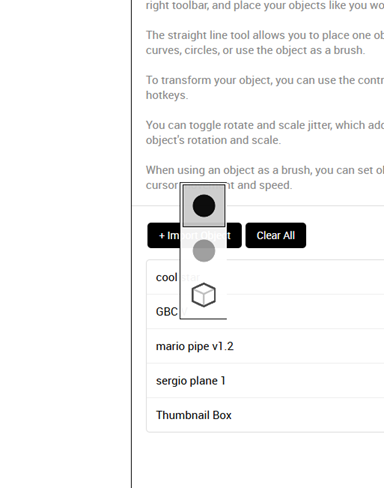
Line chooser appears within sidebar.
-
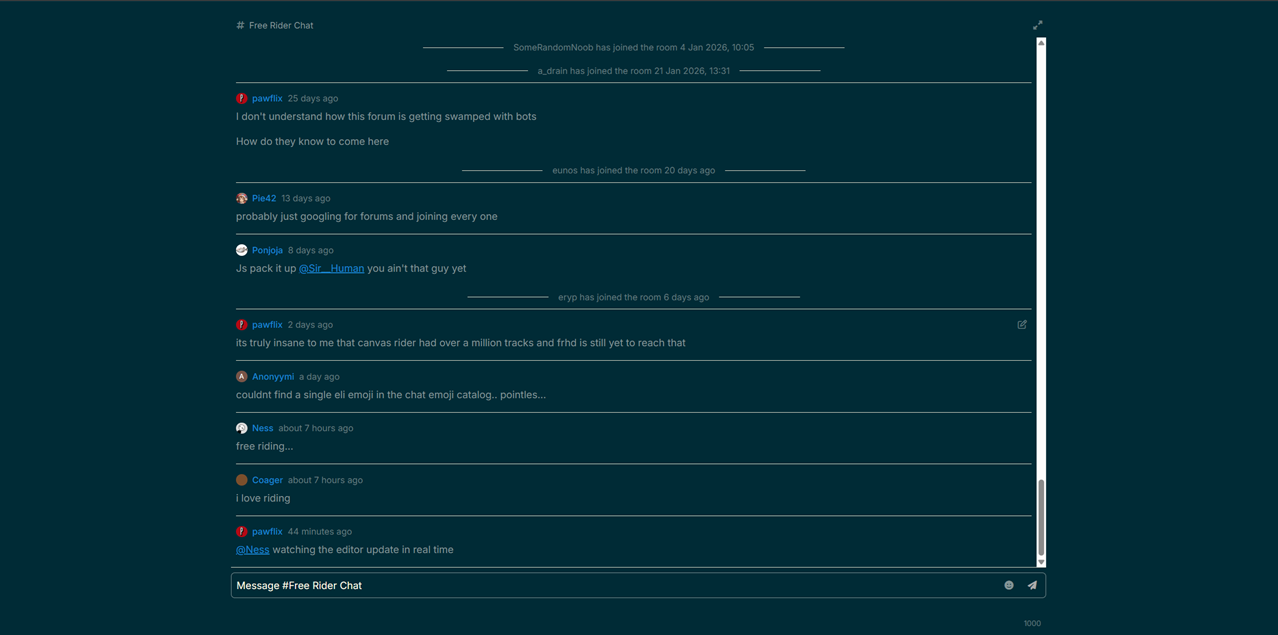
Clicking on forums chat removes nav bars, pressing fullscreen button in top right fixes this.
-
Opening sidebar while toolbox mini-window is open brings up a blank area.
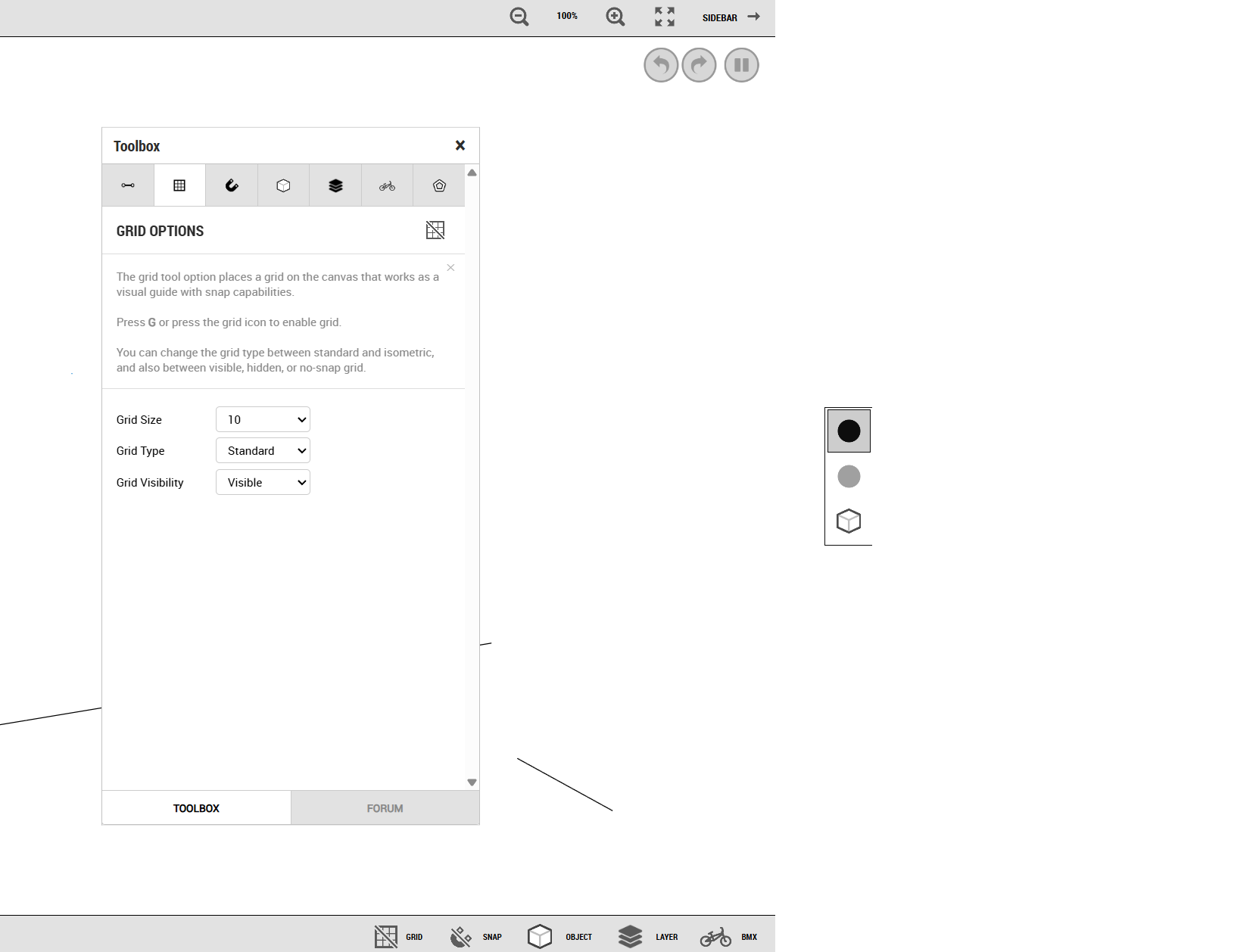
-
Mod Options menu doesn't save preferences, though other menus do.
-
Switching to Play Mode, your cursor will still draw lines if you had a line tool selected.
-
-
rev. I: Import & Interface -
rev. I: Import & InterfaceYou guys have addressed so many things I have wanted to see for the game, this is incredible.
-
ZYCERAK THREAD -
WIP Thread@Innominate paris
-
Bug ReportsZooming in to 800% seems to align everything consistently, but zooming back out can cause things to misalign again.
-
Bug Reports@Ness The lines only seem to appear on the large darker grid lines.
The misalignment happens with sizes 10, 20, and 25 (those are all I have used so far). I haven't tried other sizes but I assume it happens with all sizes.
-
Bug ReportsI have noticed that the grid often doesn't line up properly, both with regular and isometric grids. Zooming in and out a lot seems to cause this issue. The graph dances around when zooming in and out, more than the frhd editor does.
(not a great example, but the horizontal line was made on that graph line despite appearing below it in this instance)
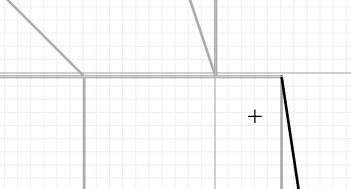
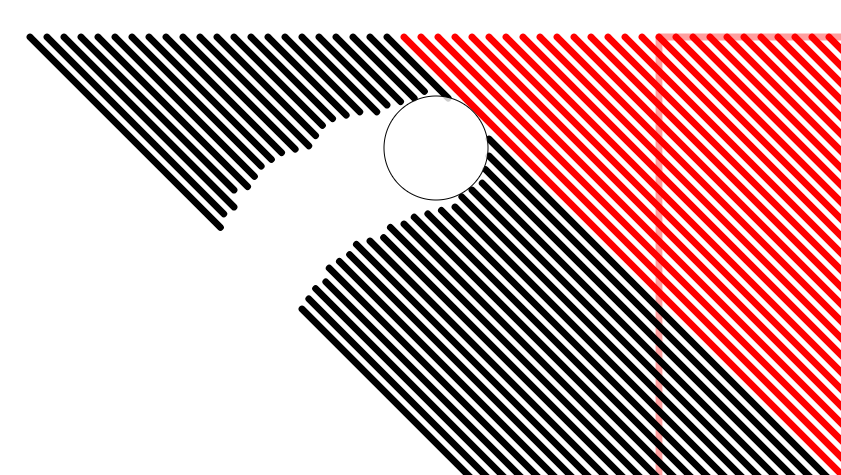
These lines also have been appearing

I also haven't been able to invert line types using "i"
-
Bug Reports