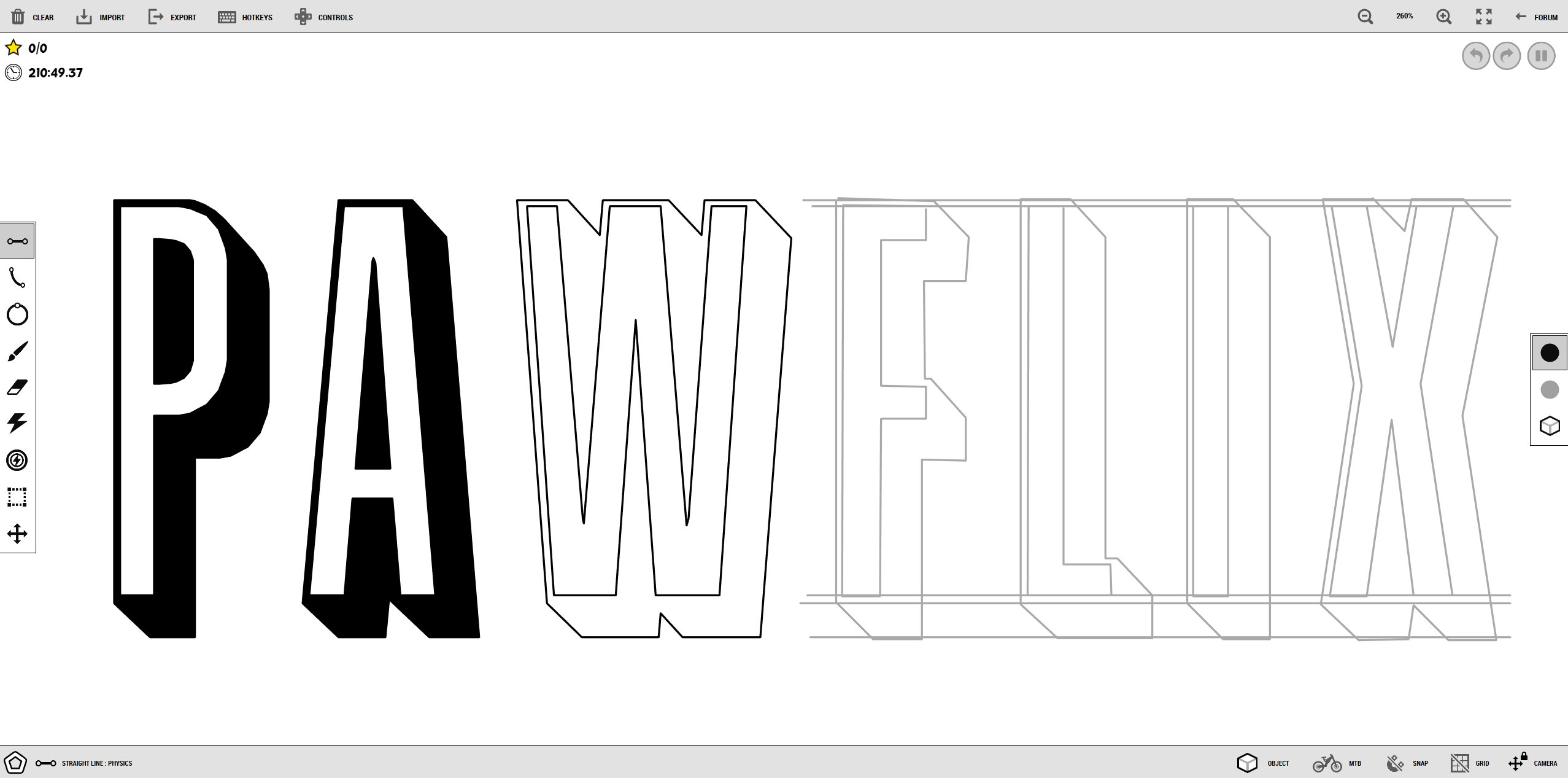
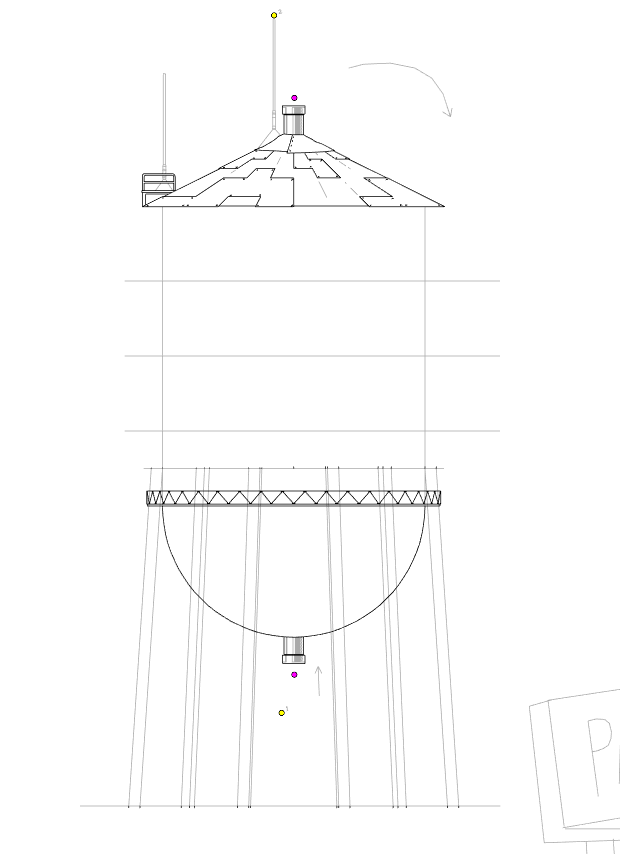
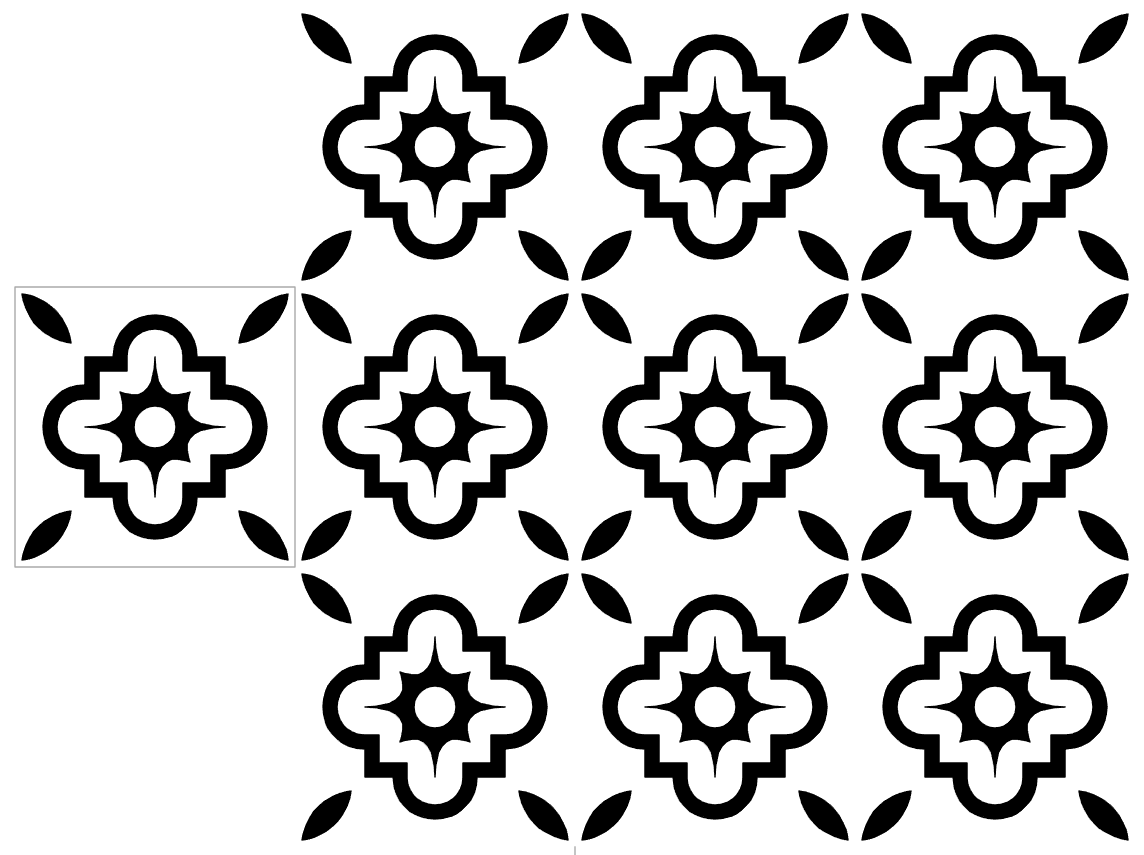
making tile patterns is kinda fun
 P
P
@Ness (and isekeb) thank you for the script, it works great.
I tried the track again and it worked just fine, so it must've been an error by me.
@Volund thank you, I'll try to get it to you before then. If not it's no big deal, there's always next year... or is there?
@Innominate https://topsters.org/ or search topsters alternatives
I have noticed that the grid often doesn't line up properly, both with regular and isometric grids. Zooming in and out a lot seems to cause this issue. The graph dances around when zooming in and out, more than the frhd editor does.
(not a great example, but the horizontal line was made on that graph line despite appearing below it in this instance)
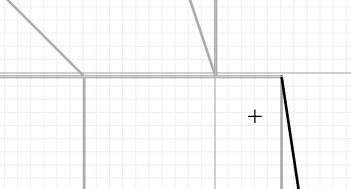
These lines also have been appearing

I also haven't been able to invert line types using "i"
I've found some bugs since the latest (freaking awesome) update:
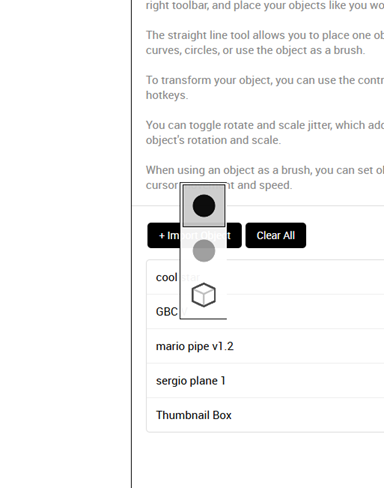
Line chooser appears within sidebar.
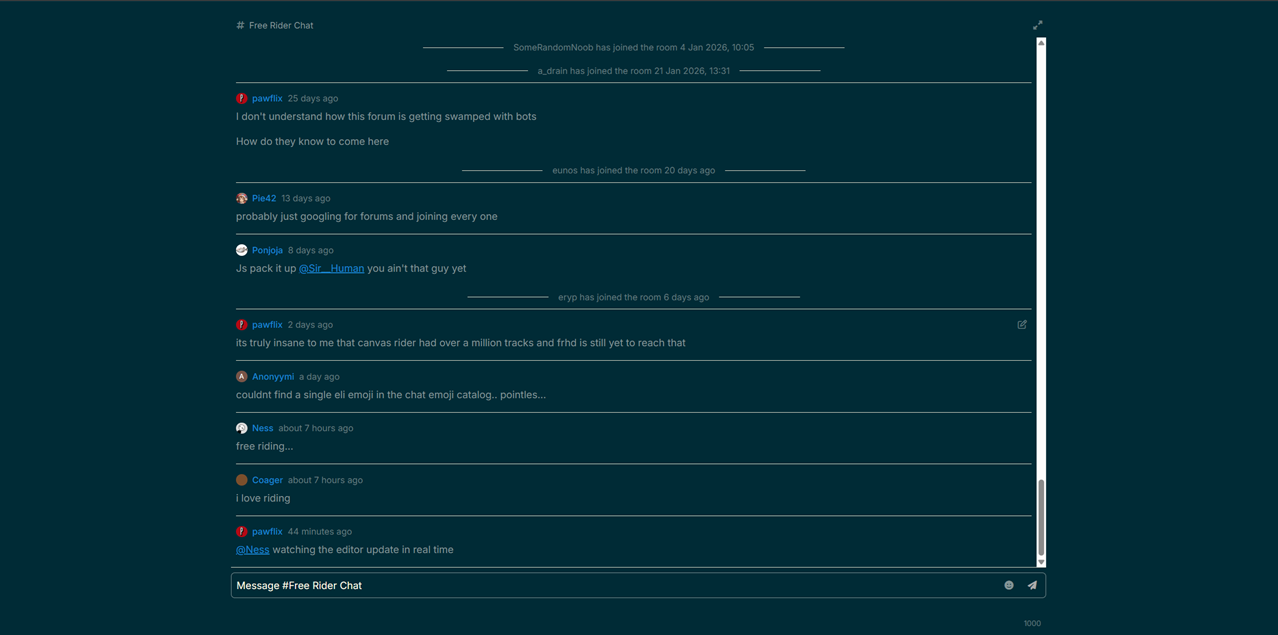
Clicking on forums chat removes nav bars, pressing fullscreen button in top right fixes this.
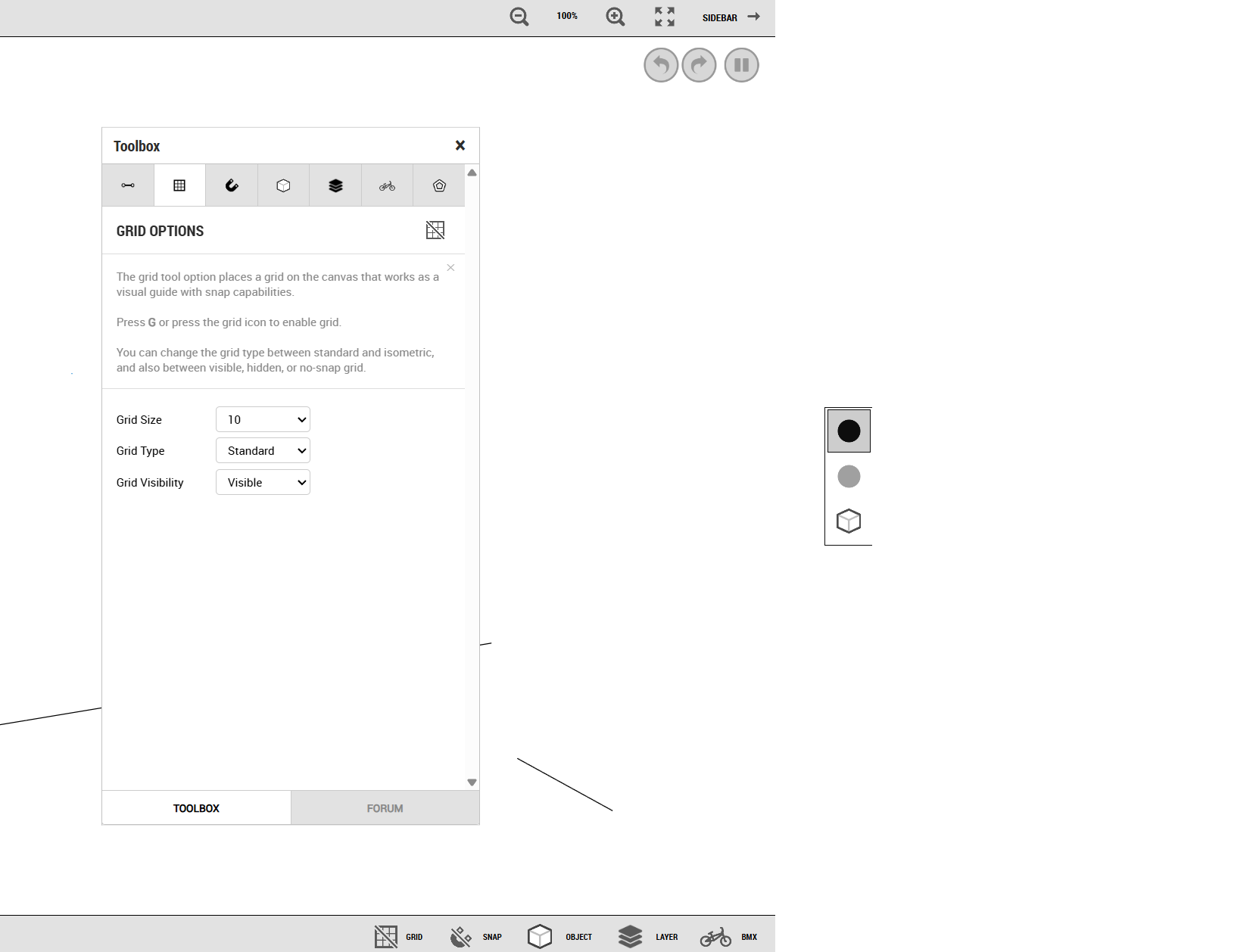
Opening sidebar while toolbox mini-window is open brings up a blank area.
Mod Options menu doesn't save preferences, though other menus do.
Switching to Play Mode, your cursor will still draw lines if you had a line tool selected.
@Pie42 this is fantastic, congrats and thank you for creating this. I've found some bugs, of which you may or may not already be aware.
Bug: When using the select tool to move a line with "visible layers" selected, pressing undo will add that line to the current layer instead of its intended one. When I try this with "all layers" selected, it seems to break the editor. I can't zoom anymore, and lines start to disappear and glitch. The visible area also shrinks.
Possible bug: the "visible layers" erase option doesn't work. I tried with layers hidden as well; the eraser won't erase anything when that option is selected.
This is the track code I was playing with if that helps, you can see the colors changed where I ran into oddities.
[{"name":"Default","show":true,"defaultColors":false,"physColor":"#ff0000","scenColor":"#fb9d9d","code":"-18 1i 18 1i,90 -2l 97 -2,90 -2l 9q -2j ab -24 ag -1d ae -t a4 -c 9l -4 97 -2,ar -2k b2 -a cc -d,b0 -1d c2 -1g,ar -2l c3 -2o,d1 -8 cq -2r e5 -2u,cv -1k dl -1o,ej -8 f1 -32 g8 -c,ep -18 fp -1b,g9 -32 gk -15 gs -q h9 -l hm -m i1 -11 i1 -1m ho -36,i8 -35 im -i k6 -n,k4 -3b mc -3j,ld -3e li -o#8v m nd -d,n4 -40 8i -32 8u l,mr 4d n5 87 9n 9a,nd -d n4 -40#"},{"name":"Layer 1","show":true,"defaultColors":false,"physColor":"#0011ff","scenColor":"#a7bcfb","code":"9h 1n 9p 4e bb 4a,bl 4b bm 49 c7 1h d8 45,bv 37 cp 32,d1 1h dr 2n ec 1d,dr 2p e2 46,ep 1b ep 1f f8 43 gl 3t,eq 1d gg 16,f2 2s gf 2l,h1 1d hc 3t,h1 1a hf 13 ia 16 ik 1t id 2h hv 2l hd 2m io 3p,kb 15 kd 15 l6 j,ko 3o m3 3l,l6 j le 3k,ma 58 m8 5p,j2 58 j6 5p,ot 4q p7 7v#9j 52 ml 43,mb 9 99 1d 9j 52,nk 41 na 7#"},{"name":"Layer 2","show":true,"defaultColors":false,"physColor":"#00991f","scenColor":"#84d973","code":"9s 5s a4 8v c0 8p,cd 8q cv 5g e7 8l,ck 7e dl 79,ds 5e en 6o f3 58,en 6q ev 8l,fk 5d h0 55,fl 5f ft 8f h8 8a,fq 6u go 6r,hj 54 i4 4v in 50 j2 58,j6 5p j4 68 it 6g ig 6n hv 6n j7 85,kd 5h km 52 la 4r m1 4s ma 58,m8 5p ls 62 l0 7c kq 80 mo 7s#9b 5f mr 4d,9n 9a 9b 5g#"}]
As an idea, would it be possible to change the opacity of layers based on hierarchy besides changing their individual colors? For example, it would allow me to see a physics line in my current layer despite there being physics lines behind it. Normally they would be indistinguishable. I may have explained that poorly, sorry.
Still this is awesome, I am grateful for your hard work.
@elibloodthirst that looks fantastic, I love that style
I was messing around with Triip's "Gate III" track in the editor, which uses some fancy portal technique to essentially lock an area of the track behind a portal, and I noticed that in fr.app editor it's broken, while in the frhd editor it works normally. Is this a difference in game physics?
As a related suggestion, could portals be visually connected in the editor by a line (like when you are placing them), even after they are placed? This would help keep track of which portals link to each other and where they go.